
Ackuretta SOL SE
The Ackuretta SOL was an extremely popular mid-tier option in the Hall of Fame of dental 3D printers. So how does the SOL SE stack up? With time, the SOL's relevance has diminished somewhat. Nevertheless, with a healthy library of open materials and simple digital and physical workflow, the SOL SE boasts an improved LCD and improved settings for Rodin resins. Even better - it's priced the same as the original SOL.
This is a personal and individual opinion on the Ackuretta SOL SE. Ackuretta nor any of its global distributors have not been involved in the writing or editing of this piece and have not restricted any conclusions made by myself of this product.
Notable features
- Compact footprint and relatively small print volume
- Straightforward physical set up
- No innate resin heating with the printer itself (but does come with an additional accessory heater)
- Multiple build plate sizes for different applications
- Open resin library that is probably second the Asiga’s in size
- Consistent and reliable prints which are significantly faster than the original SOL print speeds
Basics
| Printer size | 29.2 x 27.1 x 41.6cm |
| Weight | 120 bananas* |
| Technology | LCD |
| Print volume | Std plate: 15 x 9.2 x 12cm Med plate: 7.5 x 7 x 12cm Mini plate: 4.4 x 2 x 12cm |
| Slicer | Alpha AI |
| XY resolution | 49 µm |
| Price guide | US$5800 (excluding Concierge) |
* 1 banana = 0.15kg
Set up
Setting up the SOL SE is a piece of cake. Due to its low footprint, it can easily be unboxed and set up by oneself. No surprises here - it's extremely similar to the SOL.
Levelling is factory-performed, and installation is as close to plug-and-play as you can get it. Wi-Fi connection was overall consistent and it's nice to be able to send jobs wirelessly
There is no innate heating functionality with the SOL SE just like the SOL, but it does come with an accessory chamber heater which works surprisingly well. The cable for that heater is a tad fiddly and being an accessory heater, it does mean it will occupy a separate power socket.
Software
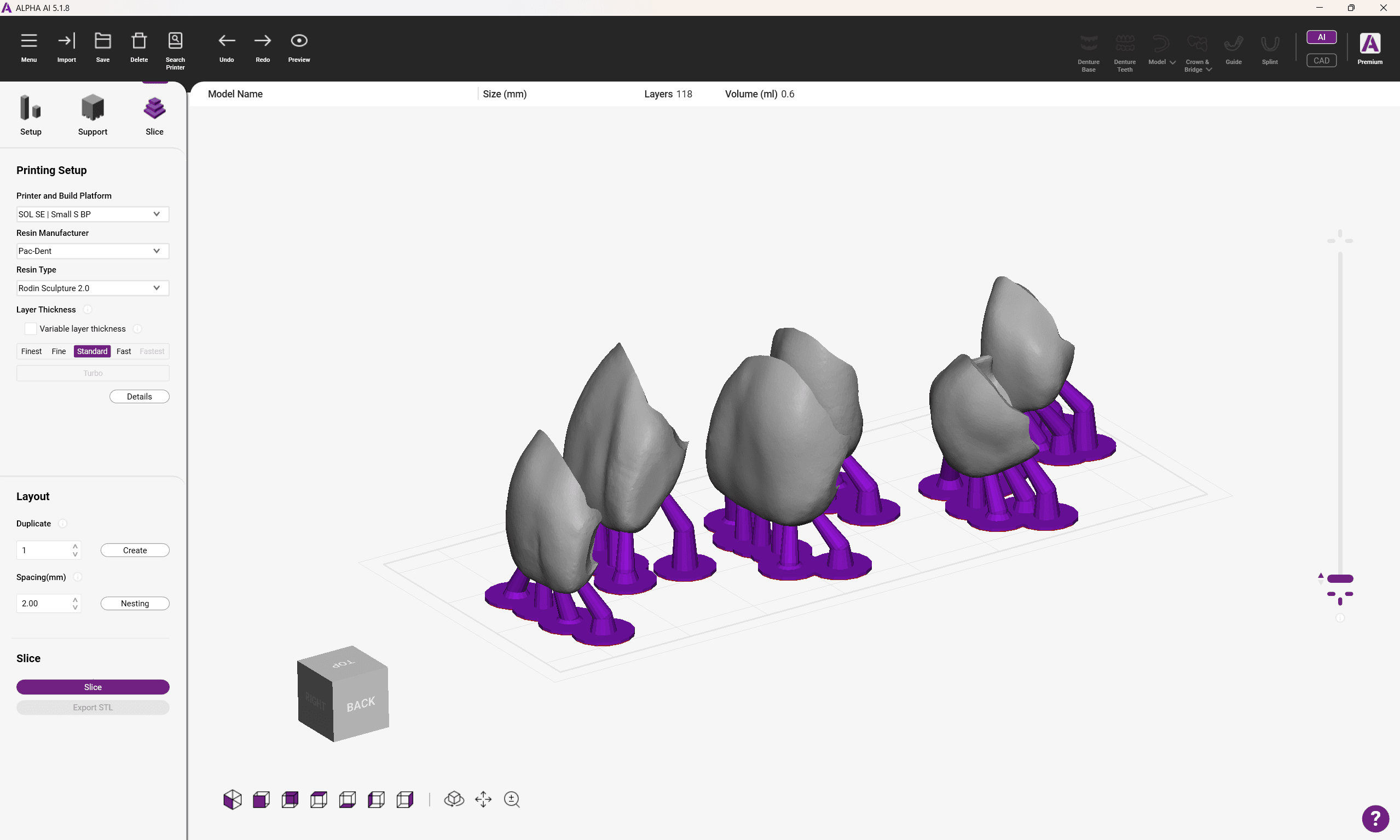
Like all Ackuretta printers, the SOL SE uses Alpha AI. It boasts a clean user interface that is pretty straightforward to navigate. It’s very easy to select which resin and settings to use.
Default support settings do tend to favour print success over removability and polishability. You can manually edit support settings and add/remove supports, which was a little tedious. Fortunately it's not something that you need to do often at all.
Like may other slicers out in the market, I do feel the icons and fonts could be made bigger.
You can pay for an optional Premium plan which improves optimises support generation and object orientation depending on the application. It also allows for additional CAD options such as model hollowing, drainage hole creation, bevel creation, object trimming and support bar generation. Useful tools, but of course at a price. I do believe new owners do get the premium license for a limited amount of time.
As long as your PC and SOL are connected to the same Wi-Fi network, you can send the sliced print file directly to the printer wirelessly. I experienced the odd issue transferring the print file to the printer wirelessly but overall it was pretty reliable and didn’t take too long.
Resin library
The resin library for the SOL SE is, as expected, impressive and apart from the extensive Asiga library, is still probably the biggest out of all open dental 3D printers. What has definitely been improved is how additional work has been put into readjusting Rodin resin settings for the SOL SE's new LCD which means many of the applications you know and love can be printed substantially faster.
More or less most of the popular resins out there have been validated for the SOL SE, so users are definitely spoilt for choice and will have no issues finding resins to print on it.
The printing experience
The SOL SE lacks any innate heating functionality, so without the accessory chamber heater, users may encounter increased failure rates of highly-filled resins in cooler climates. Fortunately the printer does come with a convenient chamber heater.
The printer itself is pretty quiet during operation which allows it to be used in front of patients.
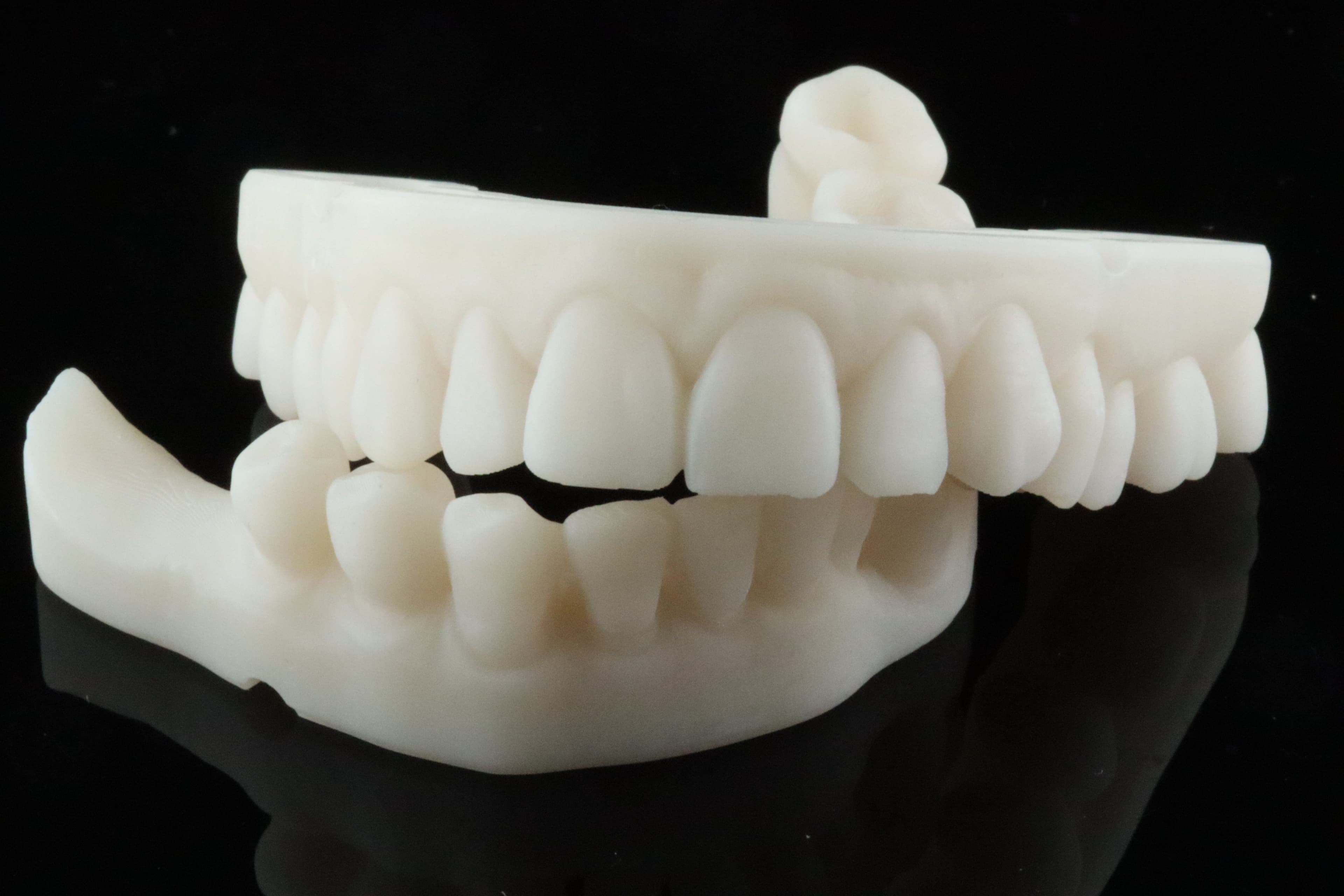
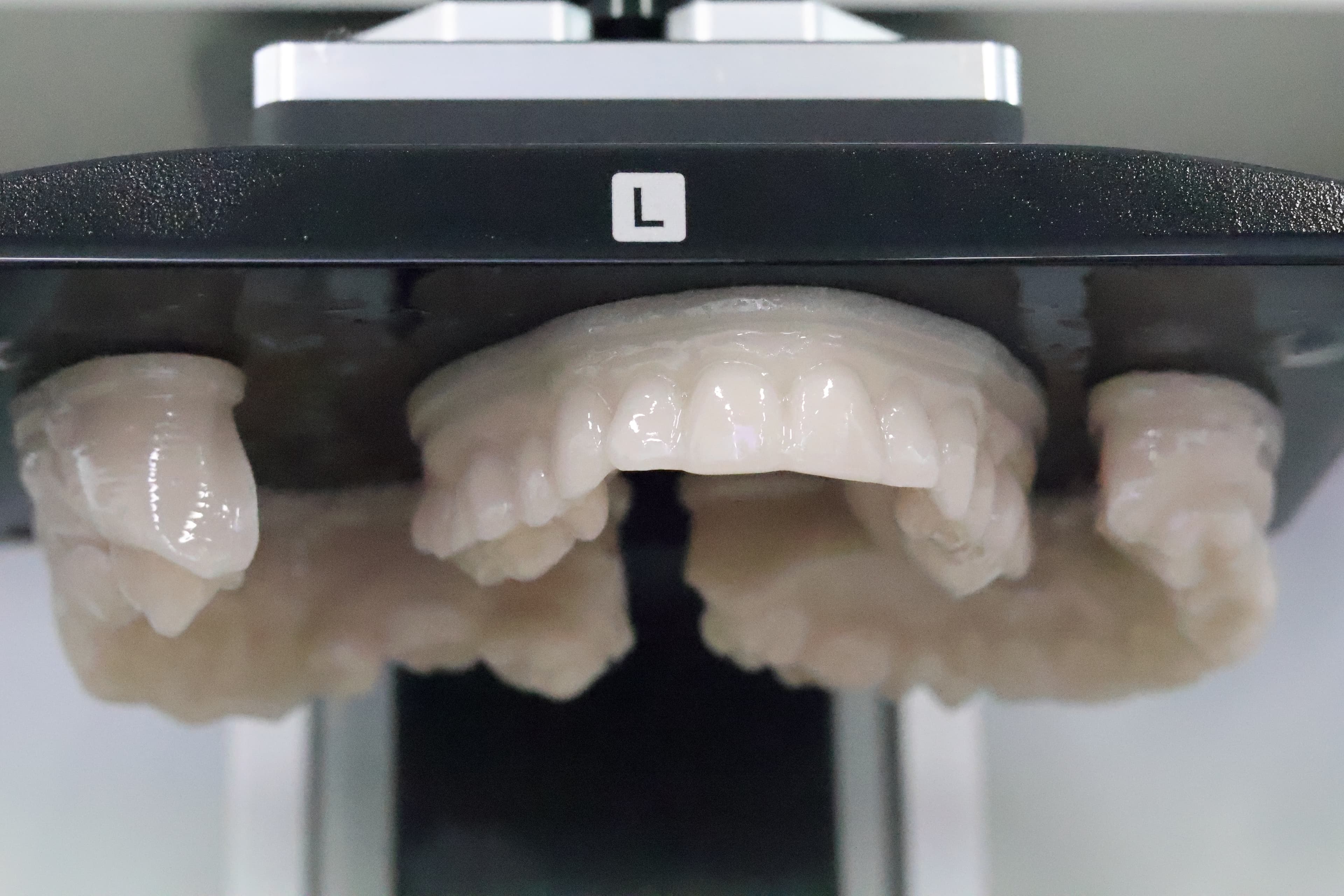
Print time faster compared to its predecessor. Previously models orientated horizontally and positioned direct to the build plate will take around 40-45 minutes at 100 micron (standard) layers. With TruModel, I'm getting print times of models just short of 30 minutes. This speed improvement definitely applies to other Rodin resins.
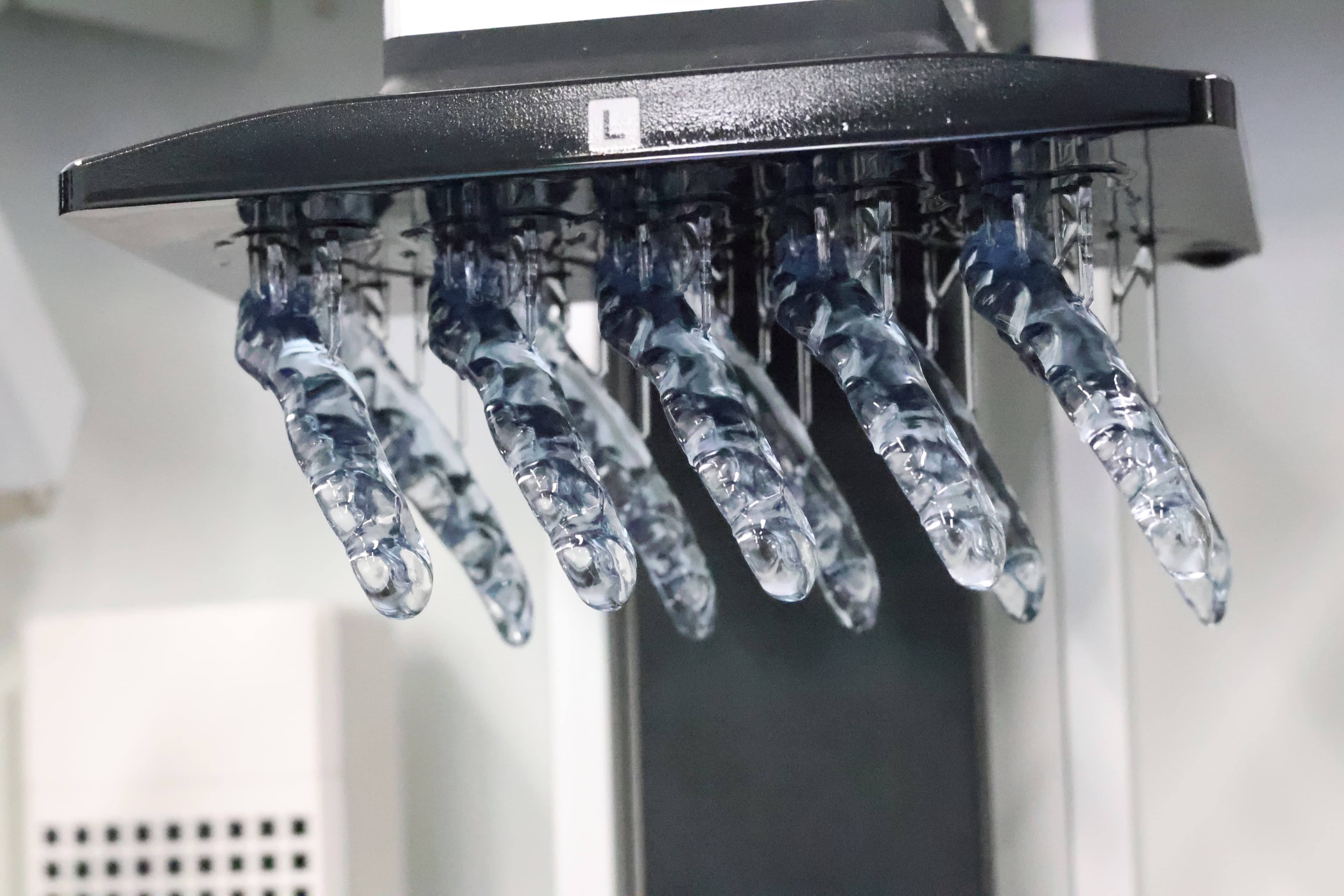
Maybe it's the inclusion of a chamber heater. Maybe it's the new and improved LCD. Regardless I found notably better print consistency and success with the SOL SE. Splints were consistently taking 3-4 hours to print on the SOL out of Rodin Splint 2.0. With the SOL SE this has been hugely improved so now splints take just short of 2 hours.
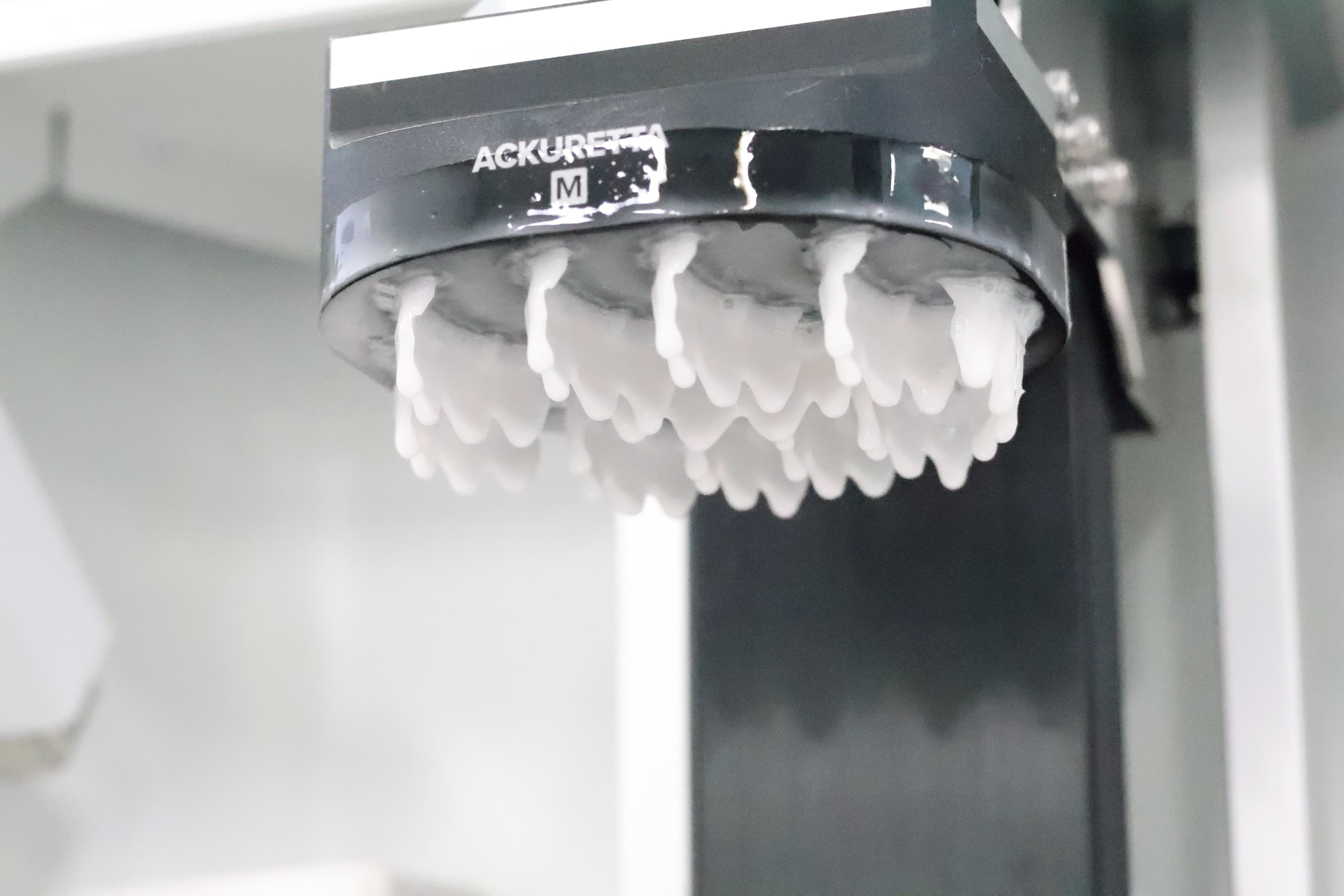
There are 2 additional build plates that can be purchased separately – the Medium and Small build plates – useful for printing the odd appliance/restoration. The SOL SE's speed when it comes to printing restorations has improved, but same-appointment printing is still on the long-side. Even with the Small build plate, an onlay printed out of Rodin Sculpture 2.0 is still going to take around 15 minutes.
I must admit, besides the lack of innate heating functionality, there are no glaring weaknesses that the SOL SE has. The improvements in print speed have been greatly needed for some time now, so I'm glad Ackuretta has given the SOL a very-much needed upgrade without changing the essence of what made the SOL so great.
Conclusion
If you loved the SOL, you're going to love the SOL SE. It's still the nice open alternative to the pricier Asiga Max 2. My gripe however is that it's probably too similar to the SOL, so those happy with the SOL may find it unnecessary to upgrade. However if you are starting from scratch, the SOL SE is a pleasant all-rounder unit that is suitable for low-to-medium-volume users.
3 points why you should get it
- Improvements on speed for Rodin resins in particular
- Easy set up
- Healthy open resin library
3 points why you shouldn't get it
- Strong performance overall but no truly exceptional qualities that may be desirable in specific applications
- Accessory chamber heater occupies an additional power socket
- Extremely similar to its predecessor