Phrozen Sonic CS+
Phrozen remains an undisputed juggernaut in the consumer 3D printing market and its products remain popular amongst the consumer crowd and dentists alike. At IDS 2025, they announced their new dental-specific lineup – The Phrozen Sonic CS+, WASH+, CURE+ and Heat & Mix. The specs are impressive on paper – but does it deliver the goods?
This is a personal and individual opinion on the Phrozen CS+. Phrozen nor any of its global distributors have not been involved in the writing or editing of this piece and have not restricted any conclusions made by myself of this product.
Notable features
- Physical set-up and build quality much improved from its predecessors
- Dual heating functionality – chamber and direct-to-vat
- Improved build plate design with dedicated mini and standard vat and build platform set ups coming as standard with the printer
- Slicer requires USB dongle
- Open resin library which is still relatively limited
- Excellent print quality
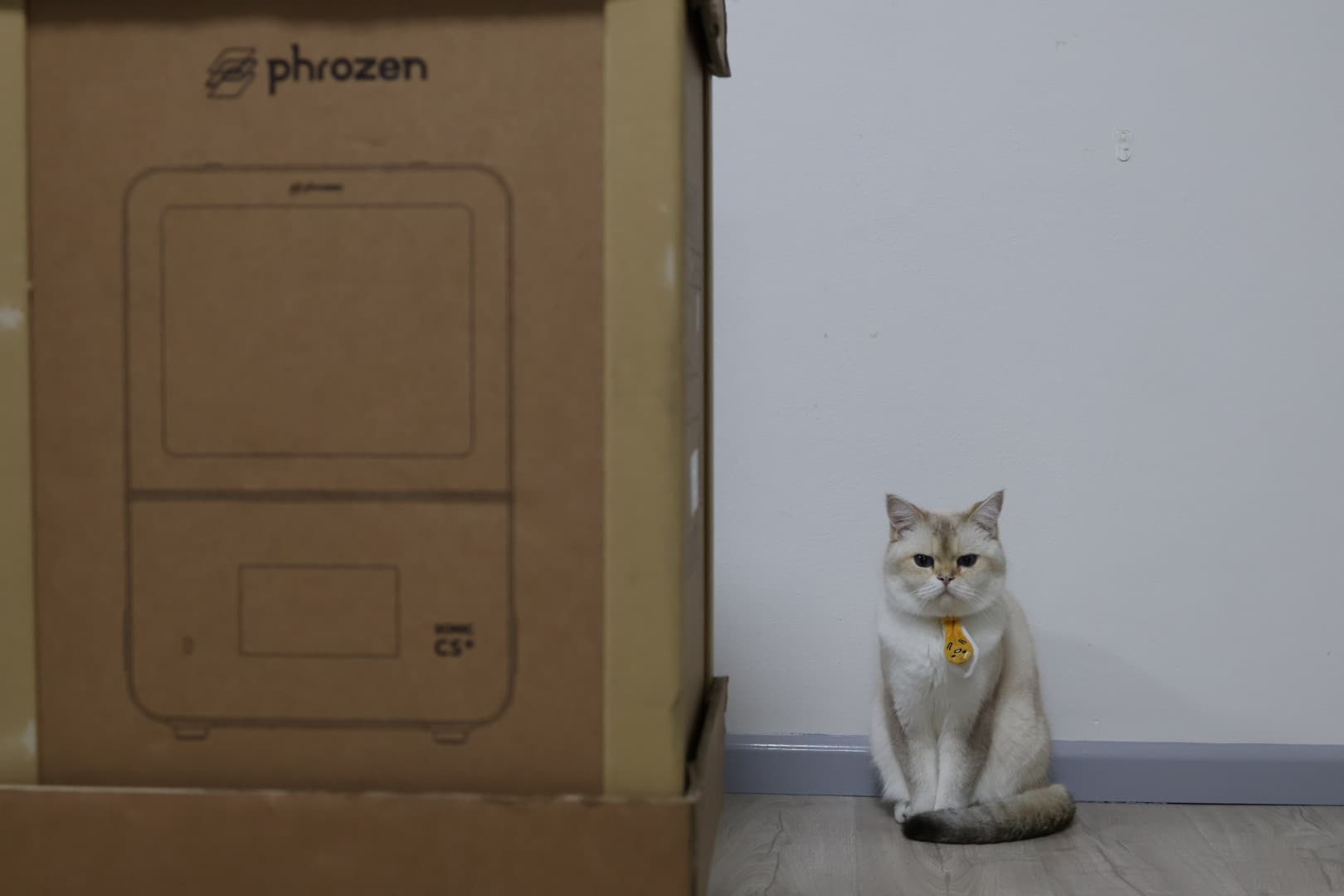
- Slightly large physical footprint considering the build volume
- Consistent but relatively slow prints
Basics
| Printer size | 36 x 38 x 55cm |
| Weight | 147 bananas* |
| Technology | LCD |
| Print volume | Std plate: 16.5 x 7.1 x 17.5cm Mini plate: 7 x 7 x 17.5cm |
| Slicer | Phrozen DS Slicer |
| XY resolution | 22 µm |
| Price guide | US$4500 |
* 1 banana = 0.15kg
Set up
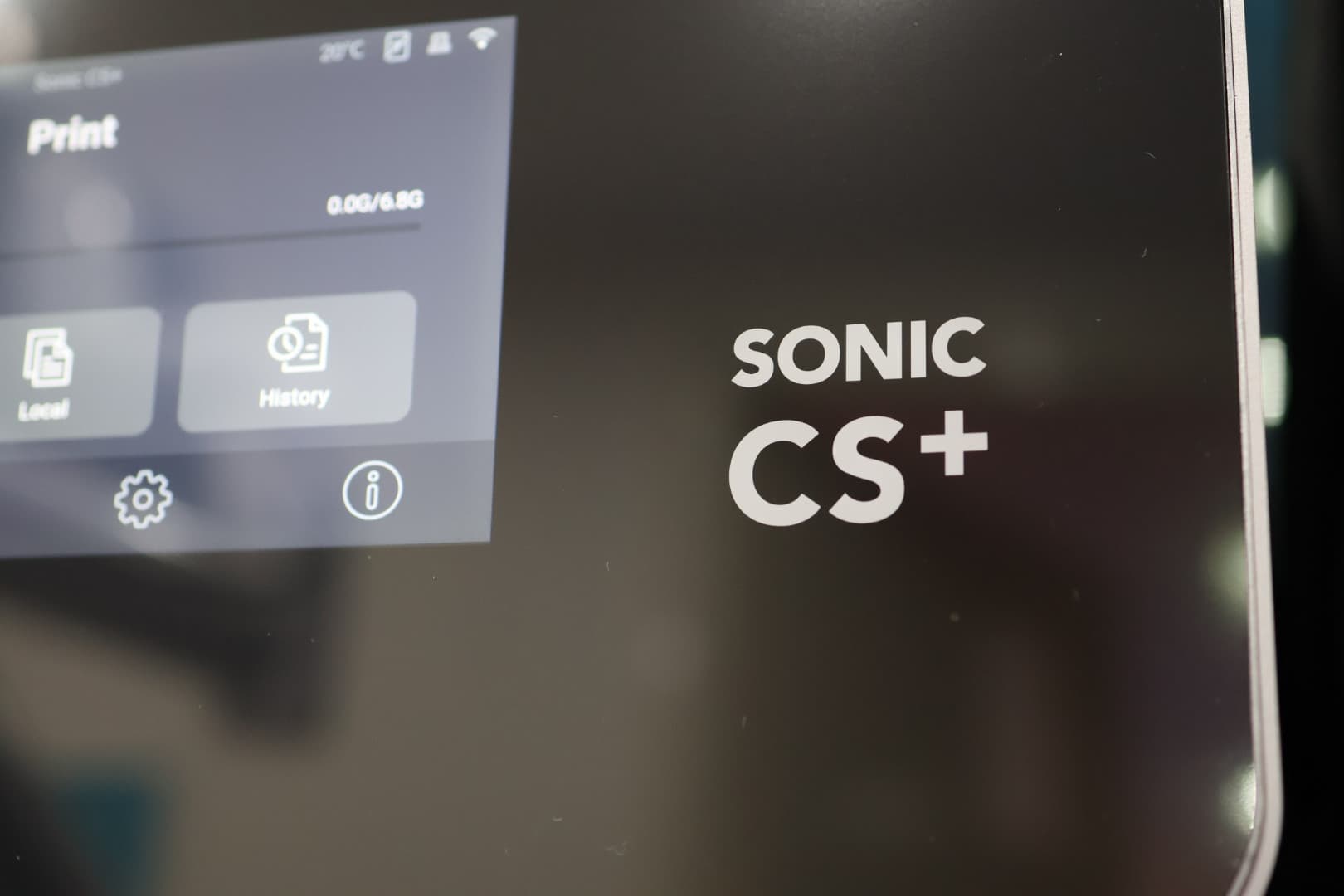
The set-up experience of the CS+ has been improved – the moment you turn on the printer, it will automatically run through an automatic wizard which will guide users step-by-step. While it does offer you to do a “Smart Calibration” (a quicker and easier assisted Z-axis calibration), I’d still highly recommend doing proper manual Z-axis levelling for the first time. Subsequent calibrations can be done using the “Smart Calibration” tool. Keep in mind that you should relevel every time you switch between the standard build plate and mini build plate.
I’m happy to report that there was much less to set-up and assemble compared to the Lumii but do keep in mind there is a screw-on Wi-Fi antenna to the back of the unit (it is easily missed by novice users). Please note that you MUST make a note down of the serial number as you will NOT be able to use the Phrozen DS Slicer without entering it in!
For now, updating and installing the firmware of the CS+ requires downloading the relevant file(s) from Phrozen Dental’s support page and uploading that onto a USB which is subsequently inserted into the printer. It would have been nice to have automatic updates performed online, as is the case with premium dental 3D printers.
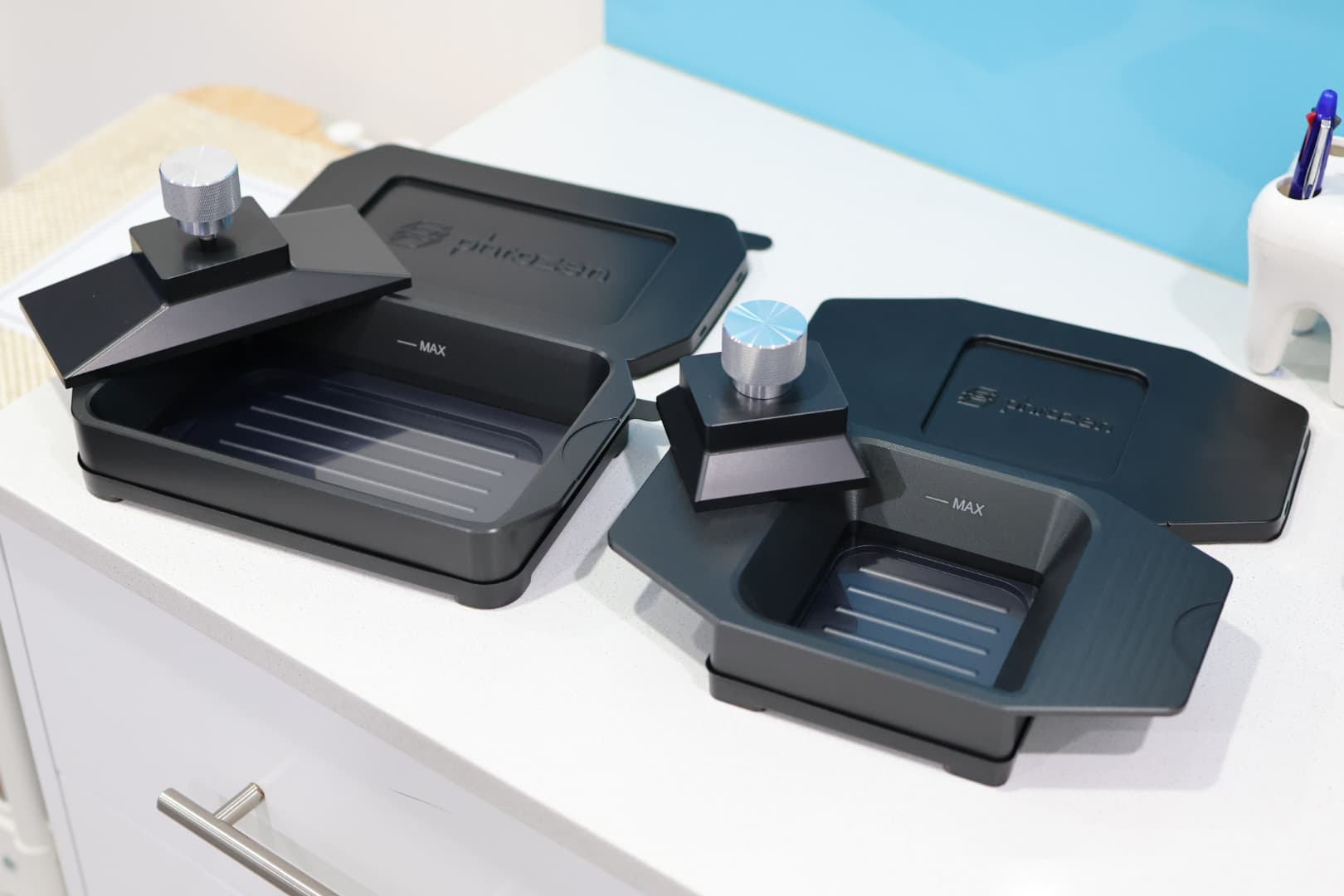
Vats already come with lids/covers which is a really nice touch – it’s clear Phrozen has put in a concerted effort to improve the overall user experience for dental users.
Software
It is a little annoying that in order to use Phrozen DS Slicer, you need to have a USB dongle inserted.
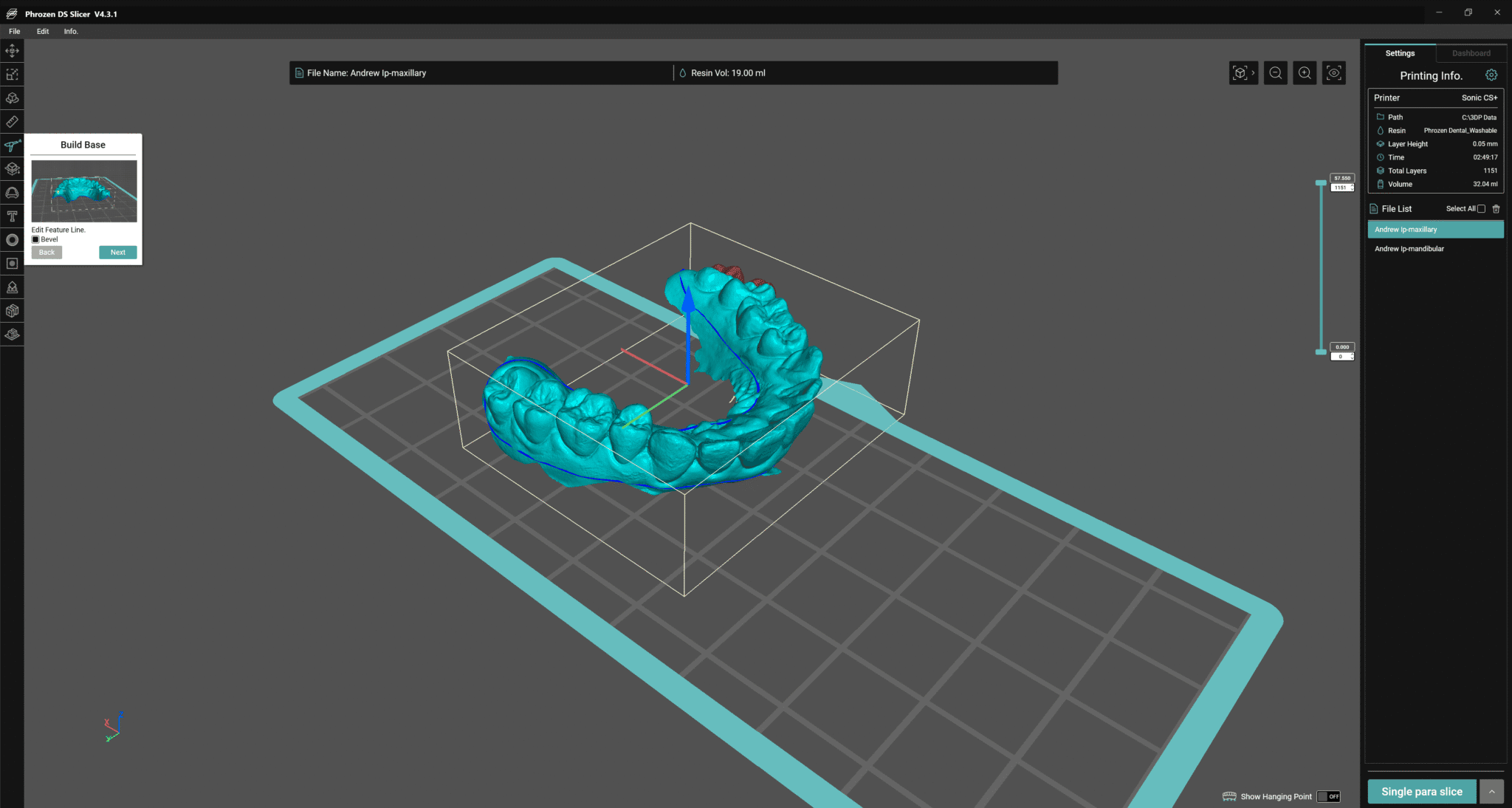
The slicer itself is definitely function over form. It’s not the easiest to navigate through for novice users and the icons are quite small to view. However, there are several VERY useful tools made available for free for users, which include drainage hole creation, platform creation, text creation and hollowing of solid models. I’ve found DS Slicer’s scan-to-printable model functionality to be the best out of any dental slicer I’ve tried. By default, the auto-orientation functionality is turned on when creating supports, which made for some very weird and unexpected rotation of objects when I tried it out, so I’d suggest turning that off and just rotating your objects manually.
As long as your PC and CS+ are connected to the same Wi-Fi network, you can send the sliced print file directly to the printer. Jobs are overall sent quickly and consistently via Wi-Fi, especially with more recent updates. Just keep in mind you will need to “add” your printer to DS Slicer first to enable this functionality.
Resin library
While not extensive, the CS+ boasts a modest open resin library which will allow you to create more or less any 3D-printable dental application on the standard plate. There are notably less resins validated for the mini plate. I do hope they increase the number of resins validated on their standard and mini plates as quickly as possible and I am aware the Phrozen team is actively working on this. Please note that the CS+ is validated for many popular resins in the market such as Keysplint Soft, Rodin Titan and Rodin Sculpture 2.0 so users should not be caught out.
The printing experience
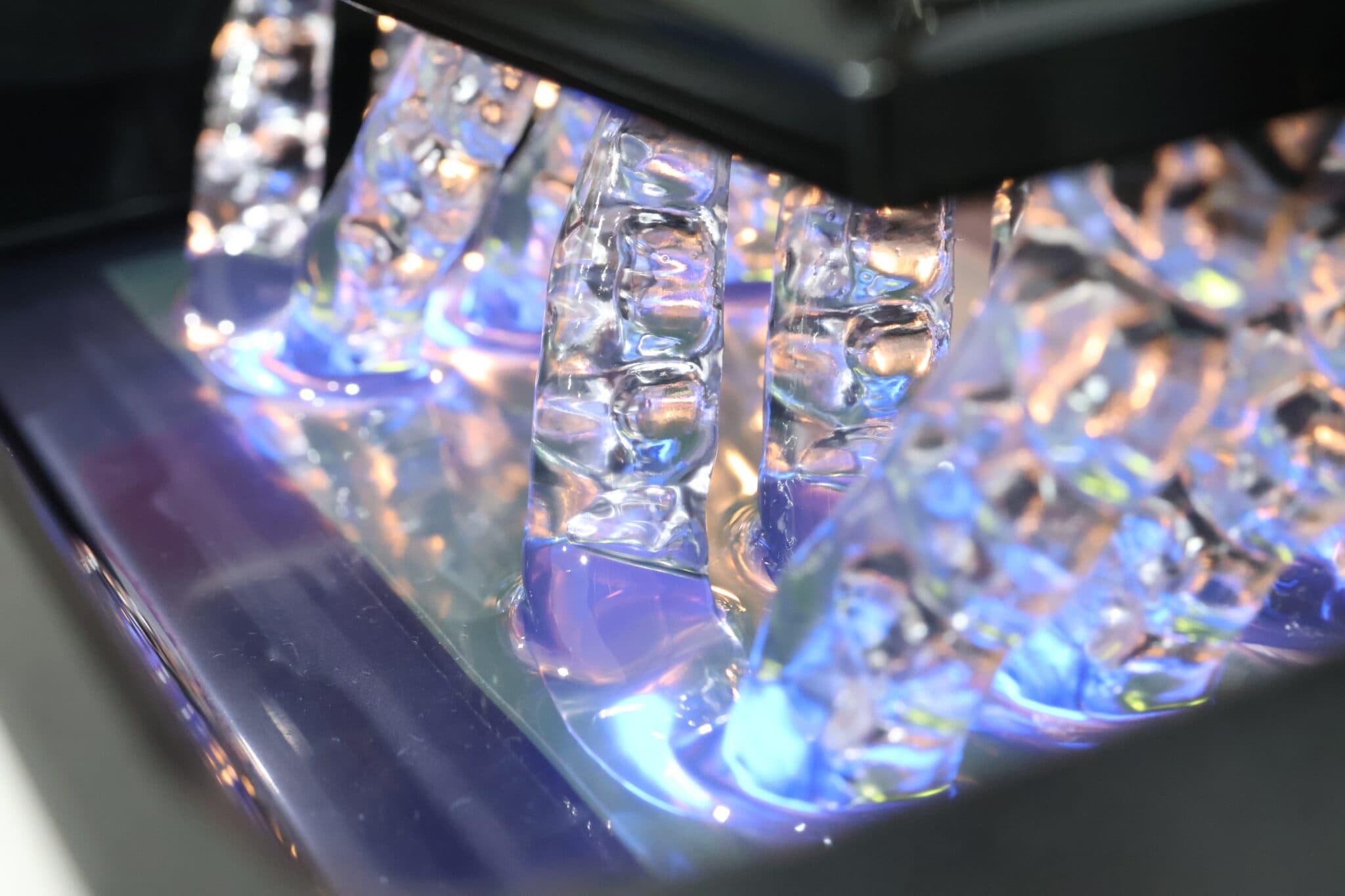
The CS+ boasts not just chamber heating but also vat heating – a welcome but definitely necessary surprise as the printer chamber is quite large so it does take several minutes for the chamber to heated up to 30°C. In addition, there is also no option for users to control the thermostat – it will simply heat up to 30°C. The printer itself is relatively discreet during operation which allows it to be used chairside.
Print time is on the slightly slow side. On “Turbo Mode”, models orientated horizontally and positioned direct to the build plate will take around 35-45 minutes printed at 100 micron layers – this is increased to an hour using the standard speed settings. A central incisor orientated vertically with supports 3.5mm away from the build plate printed at 100 micron layers with Rodin Sculpture 2.0 will take around 20-25 minutes on “Turbo Mode” using the mini plate.
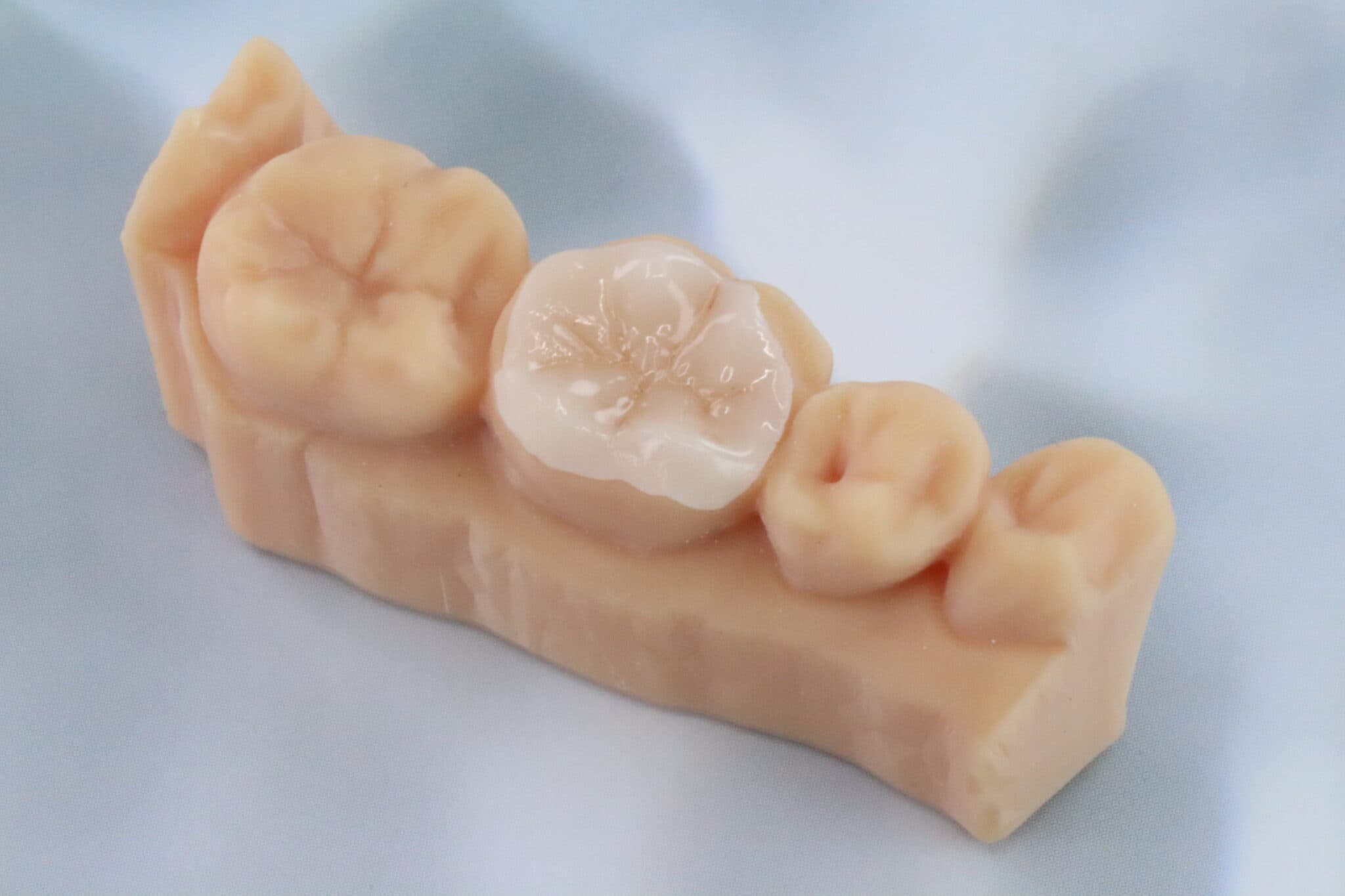
Despite the points raised with speed, prints were very consistent and reliable and in my experience with the printer. my failure rate has been incredibly low. I’ve yet to experience any failures with nightguards, surgical guides and restorations.
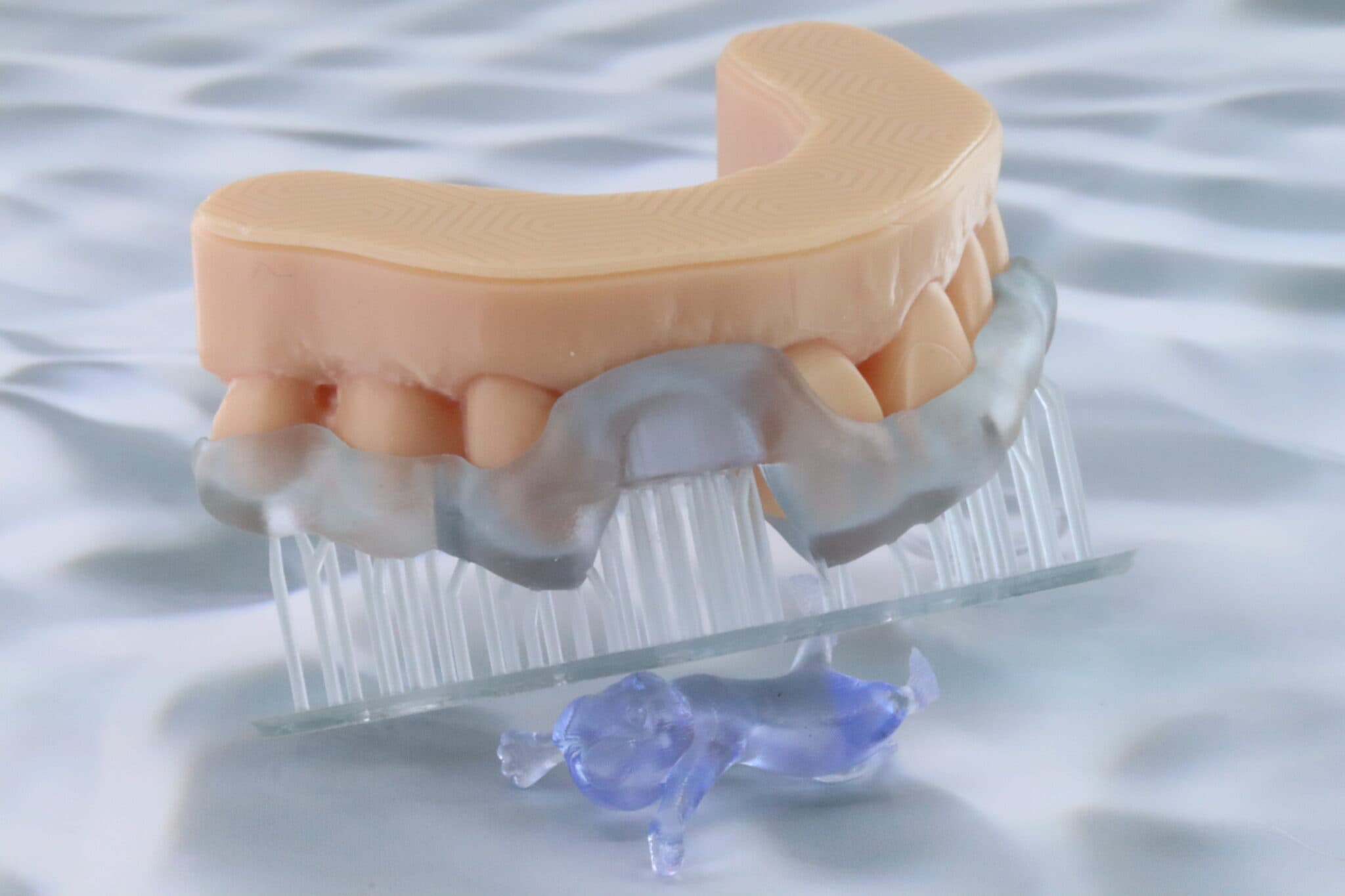
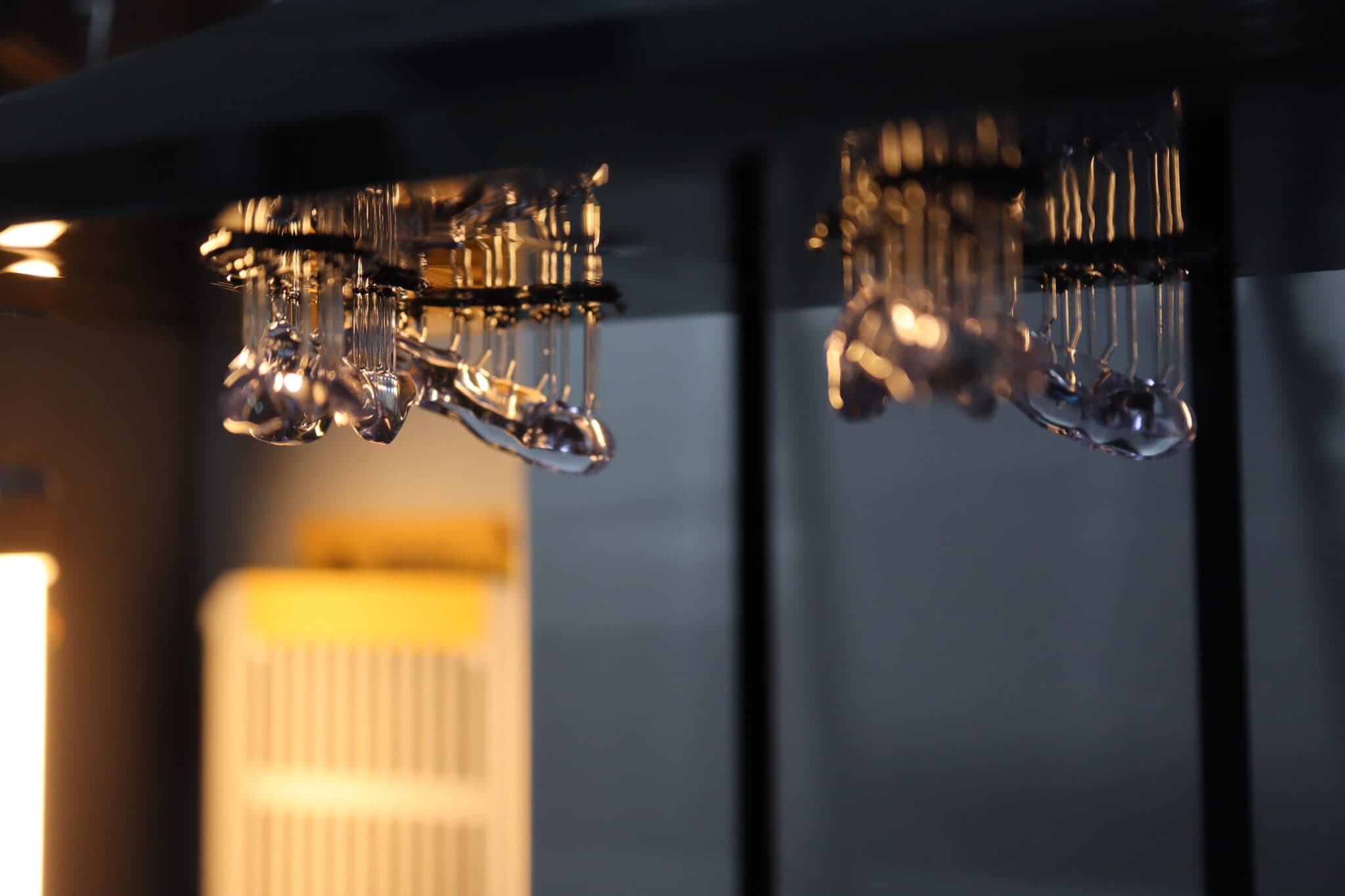
The prints I get from the CS+ are fantastic hands-down. The 385nm wavelength works wonders for this machine – it’s one of the few printers I’ve tested so far that can print splints almost vertically with no supports that clinically fit well. Very few can boast that and at the price point, it’s a steal.
Probably my favourite things about this printer are the small improvements Phrozen has added to enhance the 3D printing experience – the anodized and sloping build plates are better designed now – they are easier to clean and don’t have the exposed hex screws accessible to resin its predecessors had. This removes any risk of cross-contamination when switching between resins.
Conclusion
Phrozen clearly went all out with the CS+ and it’s great to see that their efforts have overall paid off. While the Lumii brought together some great thoughts and ideas, the CS+ clearly shows that the Phrozen dental line has matured and is starting to punch above its weight. Chamber and vat heating, 385nm LCD, mini and standard build plates and vats coming as standard – there’s a lot to love about this particular set up. However, there is some room for improvement – I do hope they add even more resins on their resin library and it is a bit of a chore to install updates to the printer firmware. I do wonder how long the 385nm LCD lasts, but it’s been advertised as somewhere between 600K-1.5M layers. Overall, the CS+ is a great all-round unit that is suitable for low-to-medium scale volume and users on a modest budget that want the bells and whistles of a high-end dental 3D printer without the premium price tag.
3 points why you should get it
- Excellent print quality
- Houses functionality that is more commonly found in more expensive dental 3D printers and more
- Favourable cost-to-effectiveness ratio
3 points why you shouldn’t get it
- Slow prints
- Large footprint considering build plate size
- Growing resin library would benefit from further expansion