Shining 3D Accufab Aris
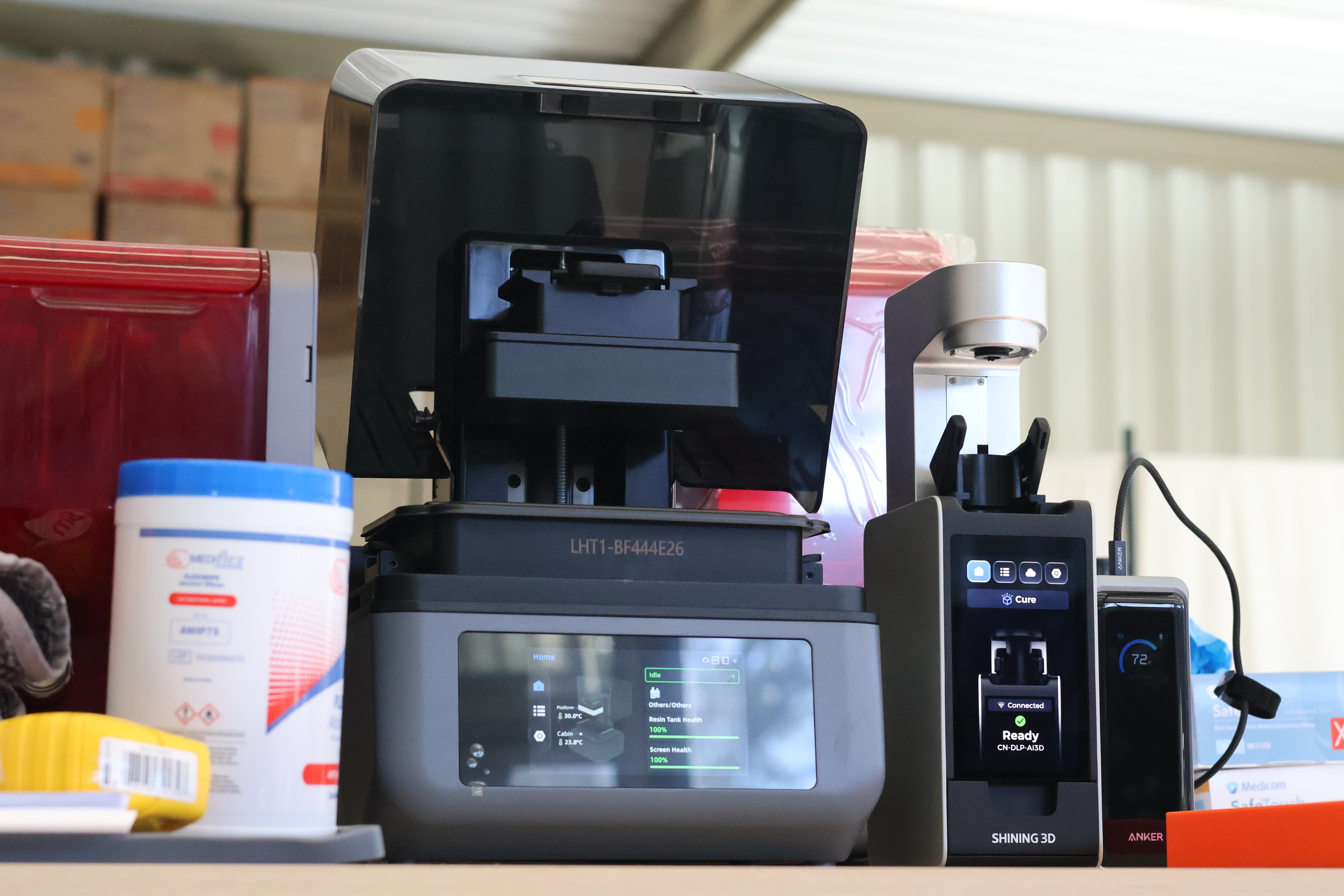
Shining 3D boasts a range of hardware products that include a raft of great intraoral scanners in the Elite and Elf ranges, a nice face scanner in the form of the MetiSmile and a healthy range of 3D printers for all applications and budgets. I had the chance to try out the Accufab Aris, their new entry-level unit aimed to introduce 3D printing to newer and more price-sensitive markets. So how does this new printer hold up in an increasingly saturated market?
Shining 3D’s impact in the digital dentistry world cannot be understated. The company’s reputation as a big player in the field has only been solidified in recent years, with a range of cost-effective hardware solutions available for users. Shining 3D boasts a range of hardware products that include a raft of great intraoral scanners in the Elite and Elf ranges, a nice face scanner in the form of the MetiSmile and a healthy range of 3D printers for all applications and budgets. I had the chance to try out the Accufab Aris, their new entry-level unit aimed to introduce 3D printing to newer and more price-sensitive markets. So how does this new printer hold up in an increasingly saturated market?
This is a personal and individual opinion on the Shining 3D Accufab Aris. Shining 3D nor any of its global distributors have not been involved in the writing or editing of this piece and have not restricted any conclusions made by myself of this product.
Notable features
- Straightforward physical set up
- Low footprint
- Relatively quiet operation
- No mini kit currently available at time of this review (planned for the future)
- Automated AI-driven slicing
- Software for Shining 3D account owners includes CAD software for splints, IBT’s, models and temporary crowns but also traditional and AI-driven design services via Shining 3D’s online cloud portal
- Resin library limited to Shining 3D resins for now but is open for individuals to create their own 3rd party material profiles
- Not available in the US
Basics
| Printer size | 26 x 24 x 36cm |
| Weight | <66 bananas* |
| Technology | LCD |
| Print volume | Std plate: 13 x 8 x 7cm |
| Slicer | Accuware |
| XY resolution | 34 µm |
| Price guide | US$2100 |
* 1 banana = 0.15kg
Set up
Setting up the Accufab Aris was very simple. It was up and running within minutes.
The unit comes factory levelled but new users will need to perform that calibration on opening – it is a largely automated process that doesn’t involve hex screw removal.
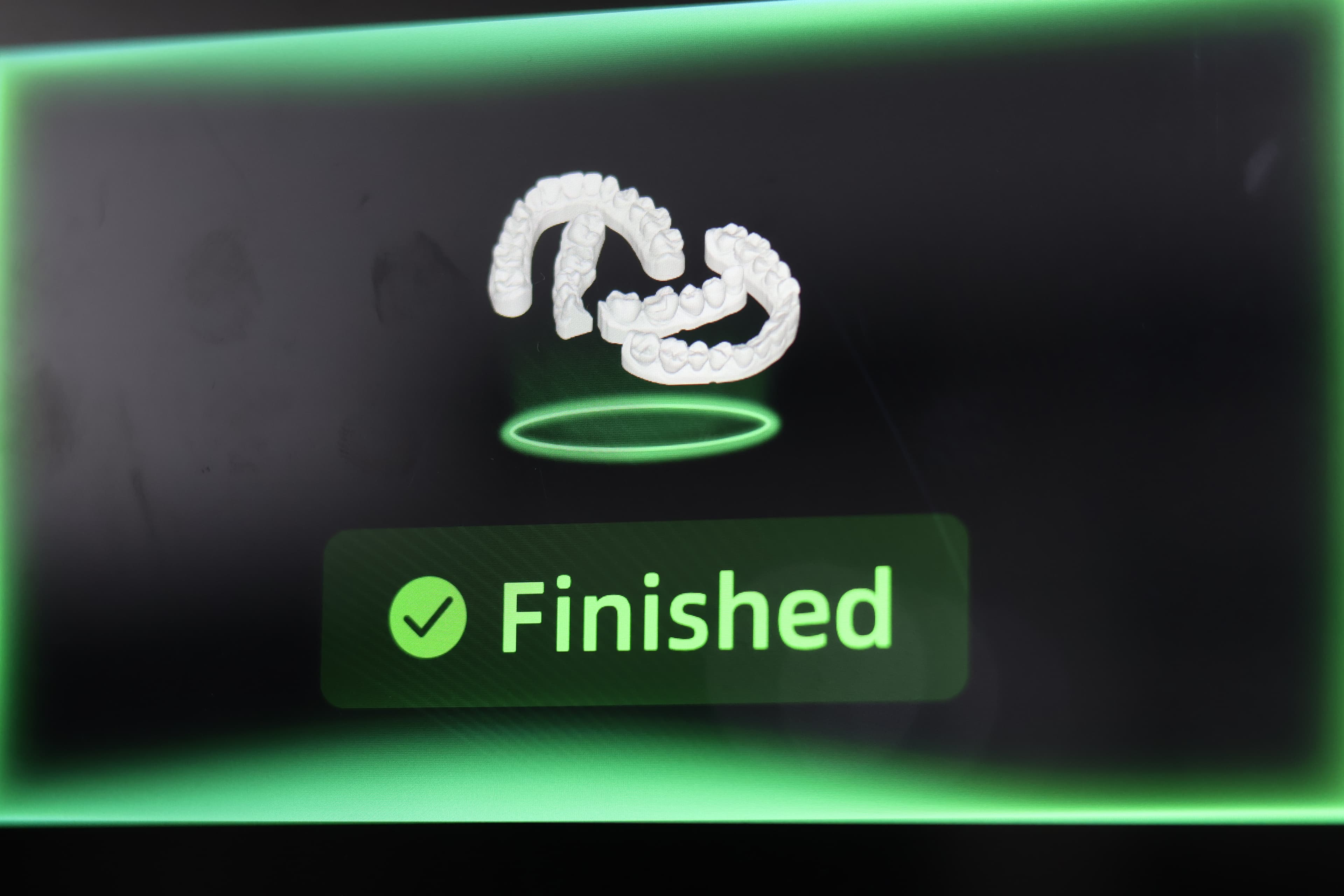
The printer UI is nicely laid out with a decent screen considering the printer size. It’s pretty easy to navigate through.
The Accufab Aris utilizes a simple latch system to engage and disengage the build plate which is easy to use. Vats are secured by two clips on the side. To remove the build plate, just push on the two clips on the sides. Definitely one of the easiest options in the market to remove and insert a vat – something that was obviously learnt from its larger cousin, the F1.
Wi-Fi connection was relatively straightforward and occurred without a hitch in my experience but I did anecdotally hear from other users that they had some initial trouble connecting via wifi, which was resolved by resetting the printer and/or modem.
Software
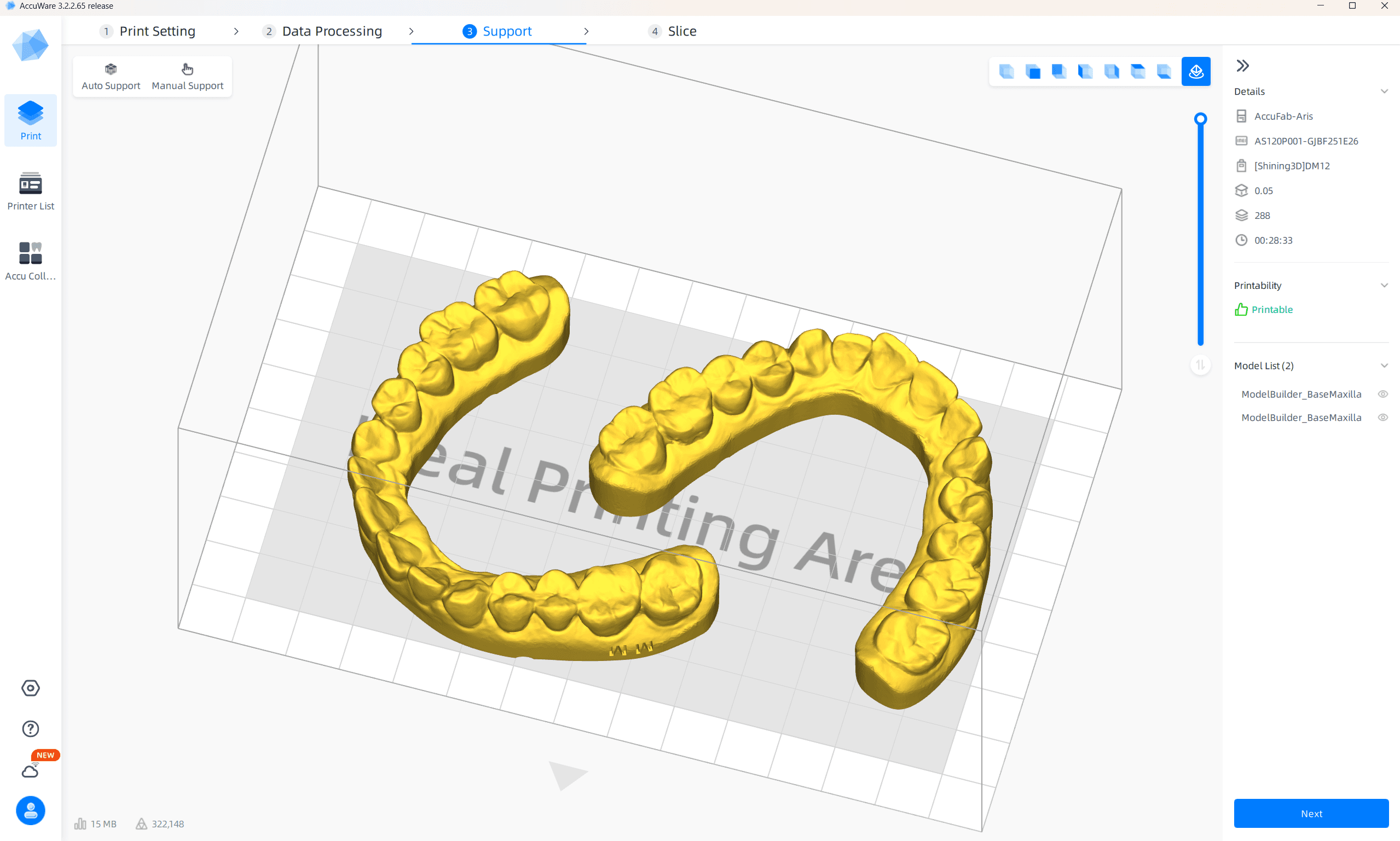
The Accufab Aris uses Accuware which was already great when I used it recently for the F1 and Cel. Performance particularly in the automated processes of this program has improved and continues to improve overall.
It follows a nice workflow from printer and material selection, object positioning and orientation, supporting and finally exporting/printing.
Support parameters for different printable applications have already been worked out for the user, as well as optimum orientation of each application. What is impressive is the automated slicing function which far more predictable and consistent in late 2025. Shining 3D’s software engineers have certainly been put to work and the results are now showing. When I played around with this function back in 2024, I cautioned against this. However it has improved significantly, and I see no reason why users can’t use this function for most applications, besides surgical guides where you would want to check for supports in the screw channel manually and smile trials where you do want to make sure there is at least one support per incisal corner.
I do however wish that there was an option to allow some basic orientation and support editing after the AI function is performed – in its current state manually changing what was determined by the AI algorithm will by default remove all placed supports and part positioning which is a bit of a bummer as often all we need to do is add a support here or there.
It should be noted that an update on AI integration will be processed by the end of 2026, allowing for improved support positioning and print orientation as well as easy-to-remove supports.
Resin library
Probably the biggest drawback of the Accufab Aris is that it is only currently validated for Shining 3D resins, unlike the L4D/L4K, Cel and F1. This may be a sticking point for prospective users expecting popular resins to be validated for this printer. A surprising move from Shining 3D's part.
However, the Shining 3D team have kept the ecosystem open and if you do want to calculate and put in your own individually-created parameters for 3rd party resins, you can do so. In fact, there’s an easy-to-follow video tutorial that shows you how via Accuware and the printer. It’s not terribly hard to do, but it can feel tedious. It’s an interesting move, considering that the other printers in its family have been traditionally open with a robust list of 3rd party resins validated for them. It is welcome to see the company actually incorporating the tutorial within their hardware and software ecosystem - something we do not witness from others.
That being said, if you just want to stick with Shining 3D resins, the Shining 3D library of resins is robust enough for any user to get started off with.
The printing experience
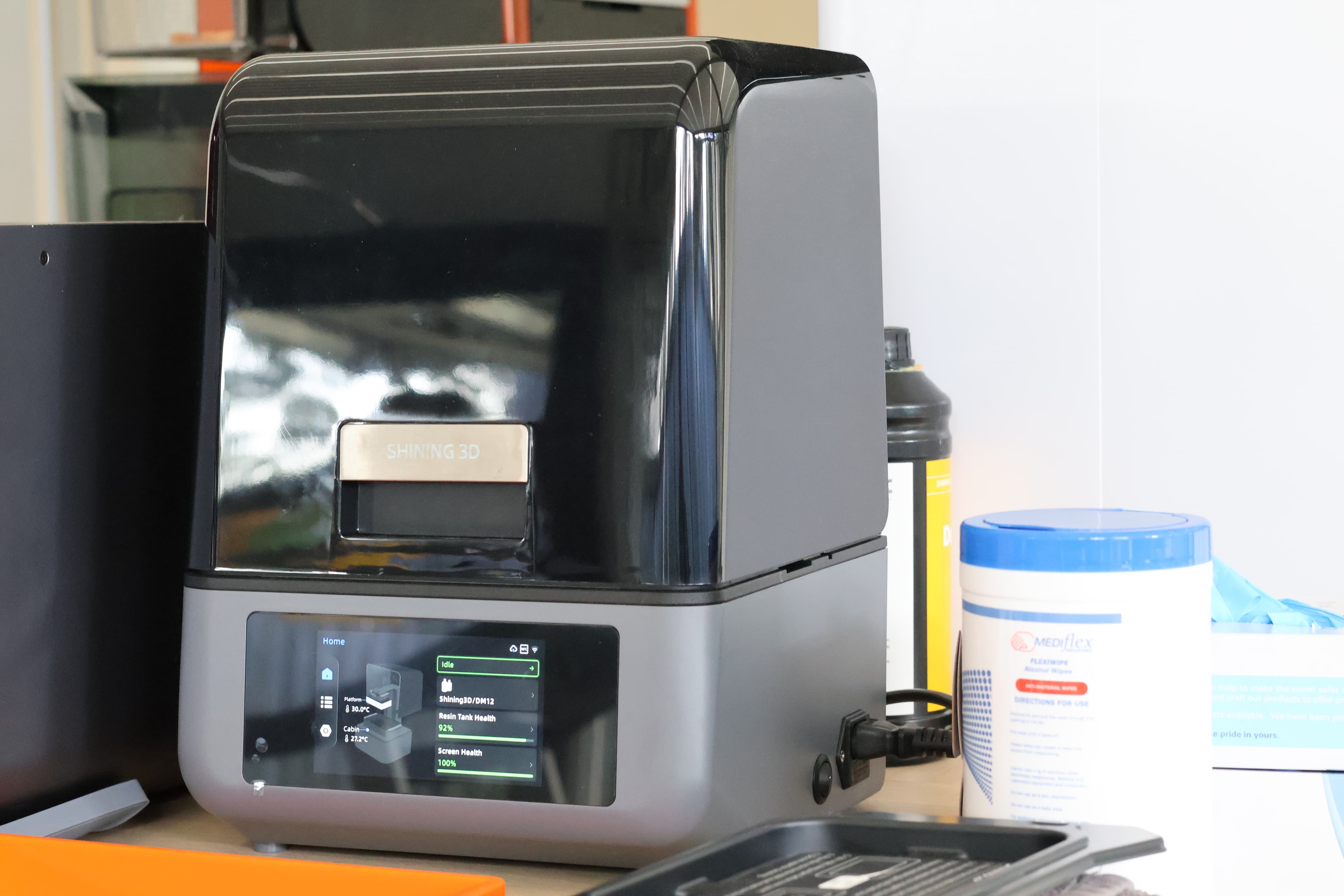
The Accufab Aris has its own print plate heater, with some sort of heating becoming the standard in dental 3D printers these days. Operation is relatively quiet, so you can run prints while patients are around. Like its other Shining 3D family members, it has a loud alarm that plays once a print is done – a setting that cannot be turned off.
Print times were not slow and for most applications Shining 3D resin parameters have been optimized for this printer. Shining 3D’s model resin DM012 which can be printed on this printer relatively very quickly – with standard models taking around 20-30 minutes (100 micron layers).
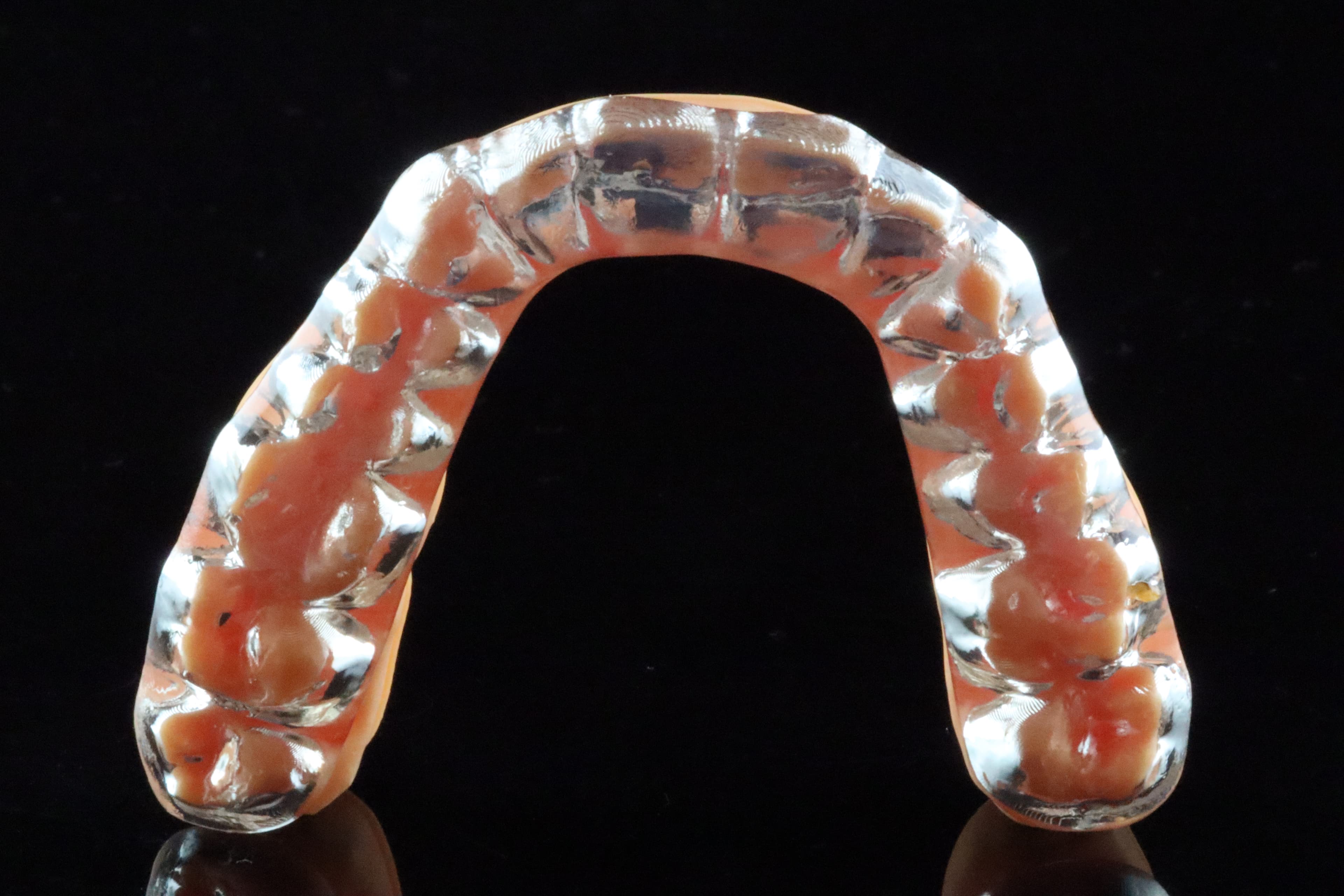
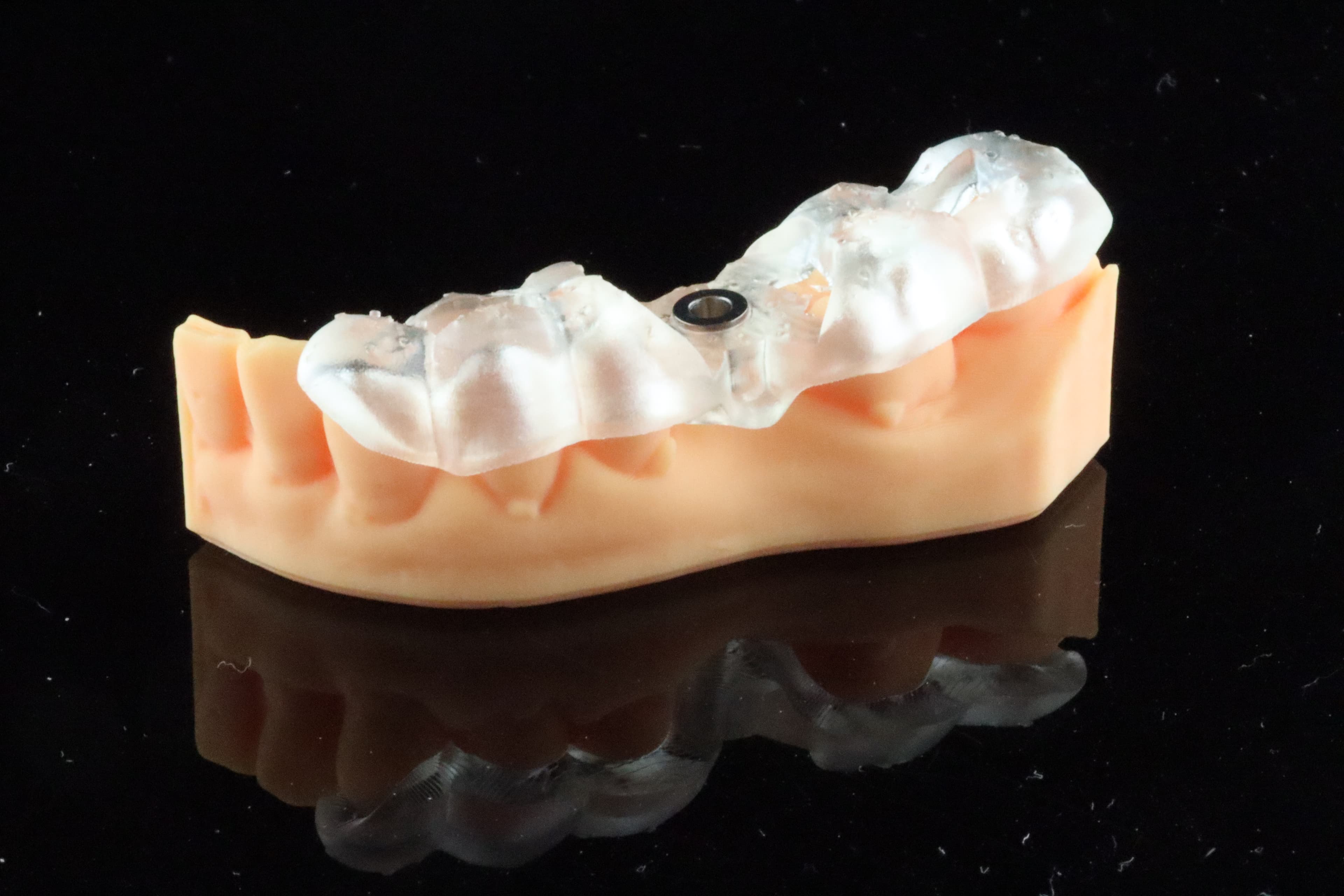
Printed results were accurate and clinically useable. My printed splints and surgical guides fitted well clinically and on test models. I did encounter an issue with printing some trial smiles that were 0.2mm thin in some sections which the Aris struggled with – I forwarded this to the team and a software fix will be rolled out later in 2026 to address this.
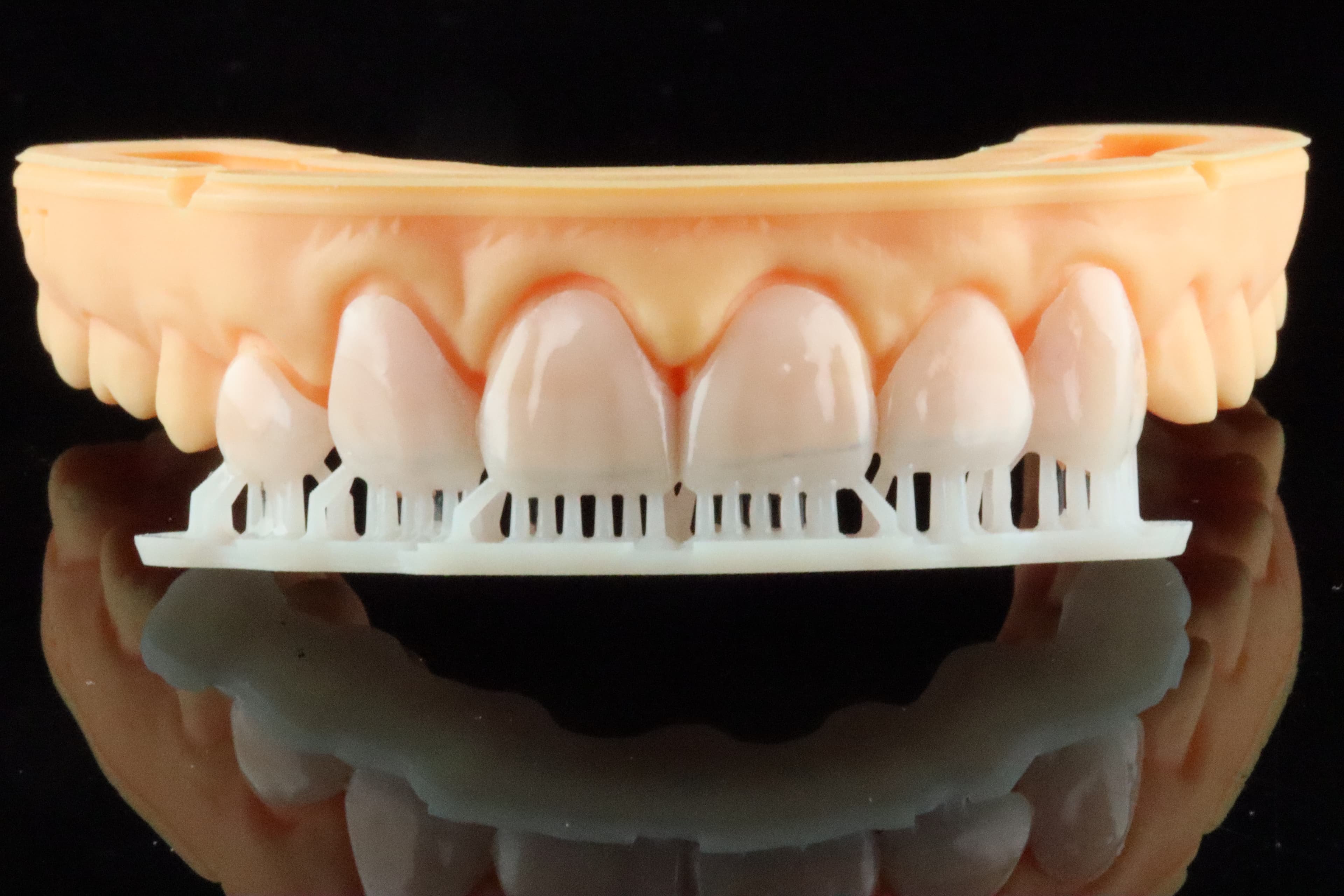
Unlike the Cel and F1, the Aris does not have access to HyperClear tanks/trays and mini kits. The Aris is truly designed to be a robust entry-level product and those looking for a more mature ecosystem should look at the F1 and Cel. It’s a bit of a shame, but a completely understandable position that Shining 3D has taken. One other thing to note is that while the printer itself is extremely affordable, Shining 3D currently does not have a cost-effective option for washing besides the FabWash which is itself pricier than the Aris! It would be nice to have a twin-stage washing system that doesn’t break the bank.
Conclusion
Overall, the Accufab Aris is a great contender in the entry-level section of the dental 3D printer market. It certainly has quite a number of great features to go with it – an overall great software experience, low profile and easy set up but prospective buyers need to understand that currently only Shining 3D resins are validated for this unit and they will need to fork out some of their own time and material to create settings for 3rd party resins.
3 points why you should get it
- Great software workflow
- Low profile
- Cost effective
3 points why you shouldn’t get it
- No mini kit currently (as of October 2026) so the system is not optimised for same-appointment printing of restorations
- Only Shining 3D resins are validated for this unit currently
- No accompanying budget-level wash unit